Control Resonant PS5 Pro Enhanced: Graphics and Performance Guide
Discover how Control Resonant PS5 Pro enhanced features elevate your gameplay. Get our expert analysis on resolution, ray tracing, and performance modes.
Published:
Table of Contents
The wait is finally over: Remedy Entertainment has unleashed CONTROL Resonant, a bold, semi-open world evolution of the paranatural saga that started with Jesse Faden. For players diving into this reality-bending experience on Sony’s mid-gen refresh, the Control Resonant PS5 Pro enhanced capabilities are more than just a marketing label—they represent a significant leap in visual fidelity and stability.
Understanding how to optimize your settings is essential to navigating the warped streets of Manhattan. Whether you are prioritizing buttery-smooth traversal or the crystalline beauty of ray-traced reflections, this guide breaks down exactly what you need to know to get the most out of your console.
Decoding the PS5 Pro Enhanced Experience
When you first boot up the game, the sheer density of the environment—ranging from corrupted cityscapes to debris-filled combat arenas—might feel overwhelming for your hardware. The Control Resonant PS5 Pro enhanced patch specifically addresses the limitations seen on base consoles, primarily through the clever application of PSSR (PlayStation Spectral Super Resolution) and specific ray-tracing toggles.
Unlike the base PlayStation 5, which struggles with shimmering and FSR-driven image breakup in large, open-air environments, the Pro version utilizes its additional silicon to maintain a much cleaner image. According to community reports and technical deep dives, the difference in edge stability alone makes the upgrade to the Pro console worthwhile for fans of Remedy’s signature atmospheric style.
Performance vs. Quality: Which Mode Should You Choose?
Remedy has provided three distinct ways to experience the game on the PS5 Pro. Choosing the right one depends entirely on your display setup and your personal threshold for frame rate stability versus graphical complexity.
Mode
Resolution
Frame Rate
Ray Tracing
Best For
Performance
2160p (Upscaled)
60 FPS
No
Combat-focused players
Balanced
2160p (Upscaled)
40 FPS
Yes
High-end visual balance
Quality
2160p (Native/RT)
30 FPS
Yes (Full)
Cinematic exploration
As noted by players in technical forums, the Performance mode is the "safe bet" for most users, providing a stable 60 FPS that keeps combat fluid. However, if you own a 120Hz-compatible display, the Balanced mode offers a sweet spot, marrying the visual benefits of ray-traced shadows and reflections with a much more responsive feel than the standard 30 FPS cap.
The Impact of Northlight Engine in an Open World
CONTROL Resonant represents a massive shift for the Northlight Engine. While previous titles were contained, linear experiences, this game demands massive draw distances and complex environmental destruction.
Visual Upgrades on PS5 Pro
The most striking improvement you will notice is the inclusion of dedicated ray-tracing (RT) features in the Quality and Balanced modes. While the base PS5 relies heavily on screen-space reflections (SSR) that can often "break" when objects move off-camera, the Pro’s RT reflections are far more consistent.
RT Shadows: Shadows in the Pro version are no longer just approximate maps; they exhibit variable penumbra and high-frequency detail.
Reflections: Glossy surfaces and wet Manhattan streets now reflect the world with accurate perspective, minimizing the "jarring" look found on older hardware.
Optimizing for Boss Battles
Be aware that during high-intensity boss encounters involving heavy particle effects, you may experience minor frame drops regardless of your mode. If you find the action stuttering, switching from Balanced to Performance mode temporarily can regain that competitive edge.
Tactical Combat and the "Aberrant" Weapon
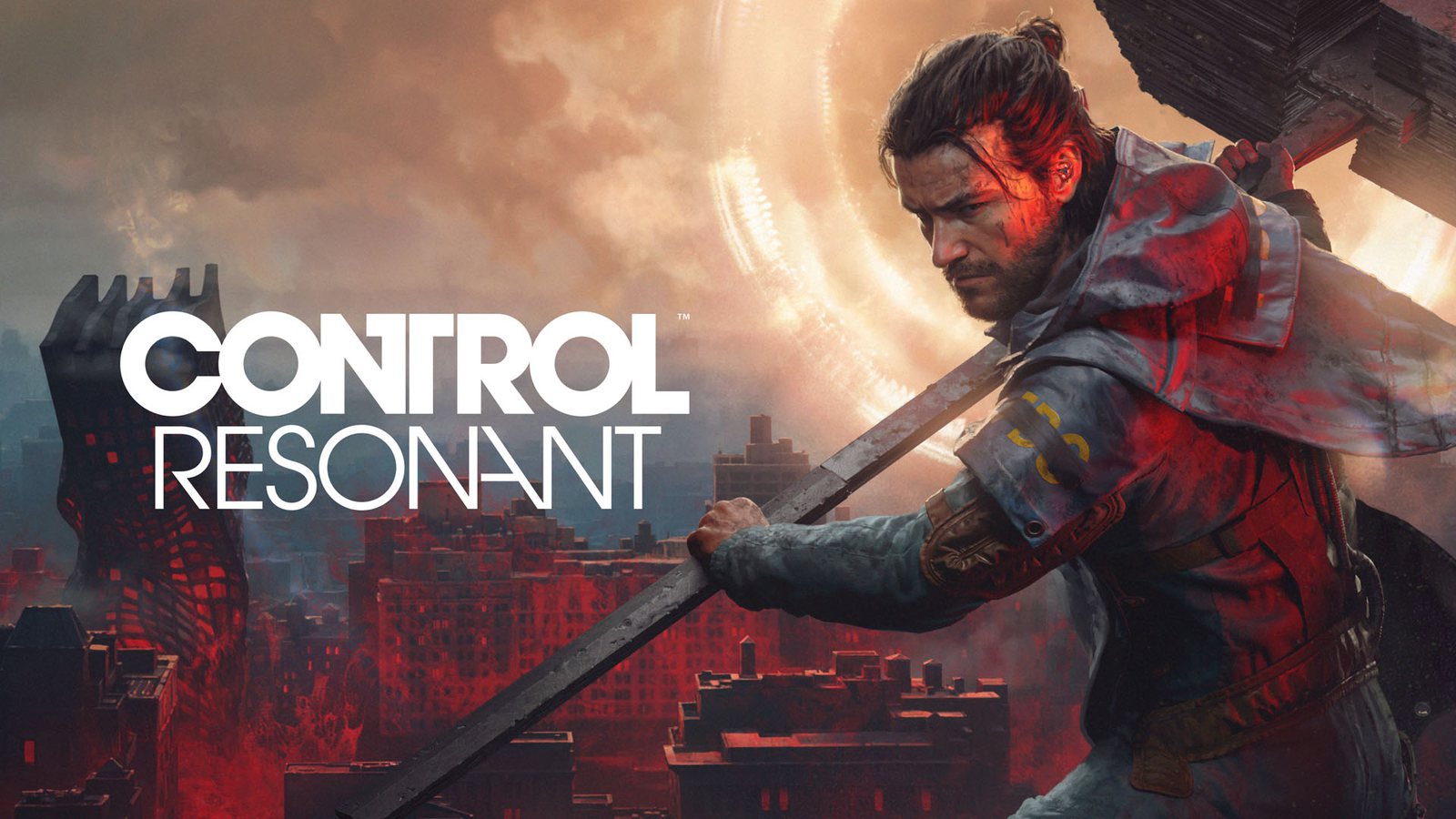
The combat loop in CONTROL Resonant is faster and more visceral than its predecessor. You are no longer just a telekinetic powerhouse; you are wielding the "Aberrant," a shapeshifting melee weapon that transitions from a heavy hammer to dual blades.
The Control Resonant PS5 Pro enhanced features ensure that these rapid movements and weapon transitions remain readable. High-fidelity rendering means you can spot enemy windups earlier, allowing for tighter evasive maneuvers. The fluid animation transitions are a testament to the game's optimization, making the combat feel highly responsive even amidst the chaotic environmental destruction.
Community Insights and Common Pitfalls
It is important to manage expectations regarding the engine's current state. While the Pro console provides a massive boost, some players have pointed out that the Northlight Engine is incredibly heavy. Community reports suggest that even on high-end hardware, the sheer scale of the world can occasionally lead to shadow map issues or minor pop-in at extreme distances.
To help you get the best experience, keep these common hurdles in mind:
Depth of Field: Some users find the post-processing effects during cutscenes a bit heavy. If the image looks "soft," check your display’s sharpness settings.
Display Refresh Rates: Always ensure your PS5 is set to "Automatic" or "120Hz" in the system settings; otherwise, the Balanced mode may not unlock or function correctly.
Controller Haptics: Don't forget to utilize the DualSense features, which offer distinct trigger resistance when switching weapon forms.
Staying Connected with the FBC
To stay updated on future patches and optimization tweaks for CONTROL Resonant, we recommend keeping an eye on official channels. You can follow the latest news directly via the Official Steam Page for CONTROL Resonant, which often contains patch notes that apply to console versions as well.
Category
Typical Experience (Base PS5)
Enhanced Experience (PS5 Pro)
Image Clarity
Significant Shimmering
Sharp/Clean via PSSR
Reflections
SSR Only
RT Reflections
Shadow Quality
Cascading/Low-Res
High-Precision RT Shadows
Traversal
Smooth
Ultra-Smooth
FAQ: Frequently Asked Questions
Q: Is the Control Resonant PS5 Pro enhanced mode worth the upgrade?
A: Absolutely. The addition of ray-traced shadows and reflections, paired with PSSR upscaling, creates a much more stable and visually impressive experience, especially in the game's larger open-world segments.
Q: Does Performance mode on PS5 Pro include ray tracing?
A: No, Performance mode focuses on hitting a stable 60 FPS at 2160p without hardware-accelerated ray tracing. If you want RT features, you must choose either Balanced (40 FPS) or Quality (30 FPS).
Q: Are there any specific settings for 120Hz displays?
A: Yes, if your display supports 120Hz, we highly recommend the "Balanced" mode. It is the best way to utilize the Pro's extra power while maintaining a frame rate that feels significantly better than the standard 30 FPS cap.
Q: Will the base PS5 version get better over time?
A: Remedy is known for post-launch support, but due to the hardware limitations of the base console, the PS5 Pro will always offer the definitive console version of the game.