Control Resonant on PS5: Graphics Modes and Performance Guide
Discover the best settings for Control Resonant on PS5 and PS5 Pro. Get technical insights, performance comparisons, and tips for your next paranatural adventure.
Published:
Table of Contents
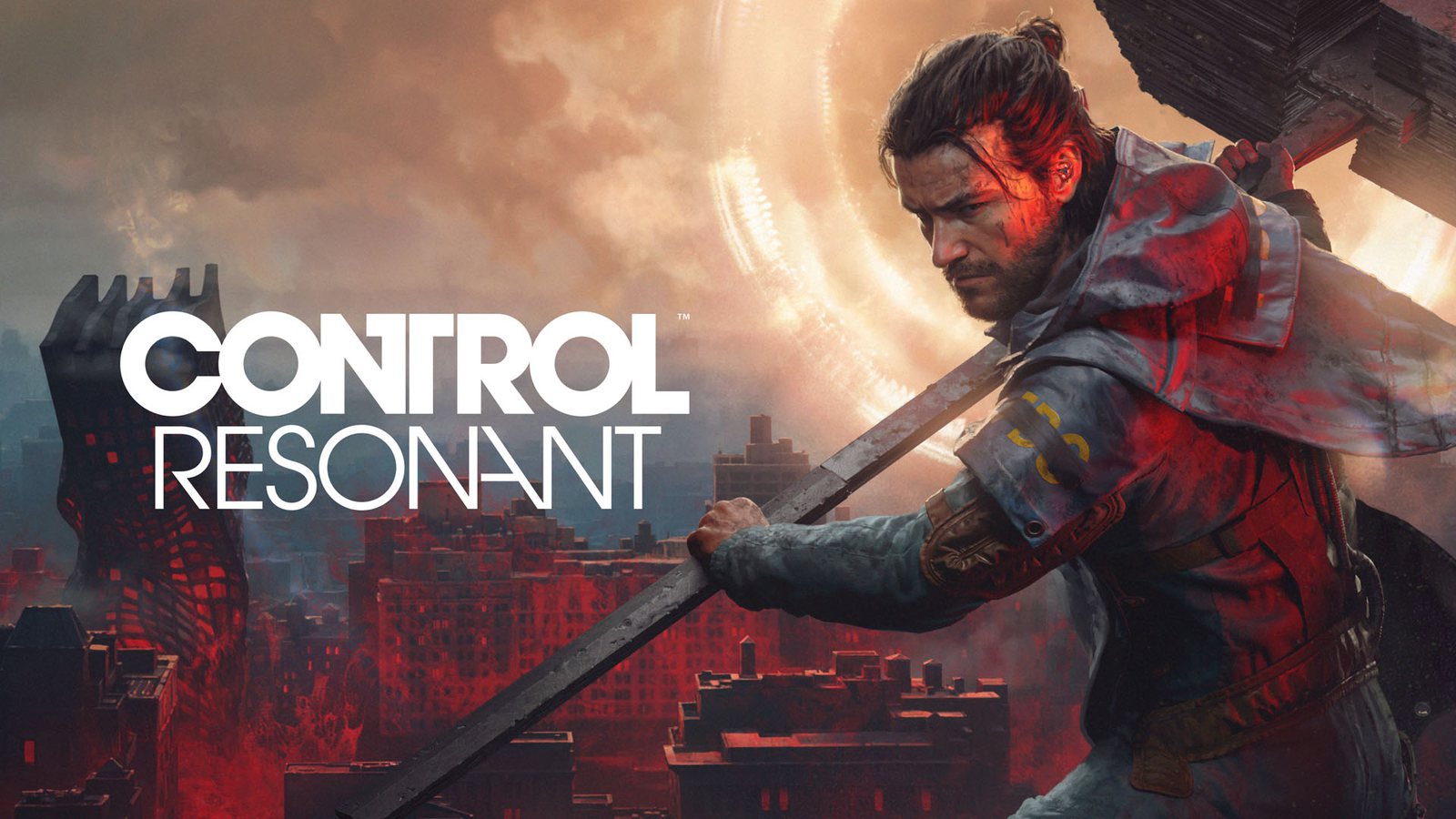
The wait is finally over for fans of Remedy Entertainment’s enigmatic universe as Control Resonant arrives on consoles, bringing a fresh, action-packed perspective to the streets of a warped Manhattan. Whether you are a seasoned veteran of the Oldest House or a newcomer to the series, optimizing your experience on the PlayStation 5 is crucial to tackling the paranatural threats that await. Understanding how Control Resonant PS5 performance modes impact your gameplay is the first step toward mastering Dylan Faden’s new abilities.
In this guide, we dive deep into the technical landscape of Control Resonant on PS5 and PS5 Pro. We explore why choosing the right graphics preset matters for your combat efficiency and how the game’s Northlight engine handles the transition from linear corridors to a sprawling, semi-open world.
Understanding the Graphics Modes on PS5 and PS5 Pro
Remedy Entertainment has pushed their Northlight engine to new heights, but the jump to a semi-open world structure presents unique challenges for console hardware. On the base PS5, players are presented with two distinct ways to experience the game: Performance and Quality.
PS5 Performance vs. Quality Modes
On the standard PlayStation 5, the trade-off is familiar but significant. Performance mode prioritizes a smooth 60fps experience, which is essential for the high-speed, physics-driven combat that defines the Control series. However, this comes at the cost of image clarity, as the game renders at a lower internal resolution before upscaling.
Mode
Target Resolution
Target Frame Rate
Visual Focus
Performance
~864p (Upscaled to 1440p)
60 FPS
Fluidity & Input Response
Quality
~1260p (Upscaled to 4K)
30 FPS
Clarity & Lighting Detail
As noted in community reports, while Quality mode offers a sharper image and more coherent shadow maps, the 30fps lock can make the chaotic combat sequences feel less responsive. If you prioritize precision in your melee strikes using the "Aberrant" weapon, Performance mode is generally the recommended choice.
The PS5 Pro Advantage: PSSR and Ray Tracing
For those playing on the PS5 Pro, Control Resonant receives substantial enhancements. The inclusion of PSSR (PlayStation Spectral Super Resolution) allows for much cleaner image reconstruction compared to the FSR-based upscaling found on the base console.
PS5 Pro Exclusive Modes
The PS5 Pro introduces a "Balanced" mode that attempts to bridge the gap between high fidelity and high frame rates. This is a game-changer for players who own a 120Hz-capable display.
Choosing the right mode
If you own a 120Hz monitor, the Balanced mode on PS5 Pro provides the most well-rounded experience, marrying improved visual fidelity with a higher frame rate target than the standard 30fps Quality mode.
PS5 Pro Mode
Resolution
Ray Tracing
Frame Rate Target
Performance
~864p (PSSR to 4K)
No
60 FPS
Balanced
~1080p (PSSR to 4K)
Yes
Variable (40-60 FPS)
Quality
~1224p (PSSR to 4K)
Yes
30 FPS
Combat Mechanics: Mastering the Aberrant
The shift from the original Control to Control Resonant is best exemplified by the "Aberrant," Dylan’s shapeshifting melee weapon. Combat is no longer just about telekinesis; it is about rhythm and momentum.
Tactical Combat Tips
Adaptability: The Aberrant shifts between a heavy two-handed hammer for crowd control and dual-wielded blades for quick, surgical strikes. Switch forms based on the enemy type—use the hammer to break through armored Hiss entities.
Physics Interaction: Use the environment to your advantage. The Northlight engine excels at physics-driven mayhem; throwing objects into structures creates debris that can stagger enemies.
Camera Awareness: Since the game uses a distant camera system, keep an eye on your surroundings. If the camera feels awkward in tight spaces, try adjusting the field of view settings in the options menu.
Addressing Technical Constraints
While Control Resonant is visually impressive, the sheer scale of the semi-open world can occasionally lead to technical hiccups. Players have noted that during intense boss encounters—specifically the first major confrontation—frame rates can dip regardless of the console or mode being used.
Common Performance Issues
Shadow Map Issues: In open areas, you may notice cascading shadows or poor coherency at a distance. This is a limitation of the engine's current shadow map solution when handling large, open environments compared to the confined spaces of Alan Wake 2.
Shimmering: On the base PS5, the 864p internal resolution can lead to shimmering, particularly during cutscenes with heavy depth-of-field effects. Enabling the game's optional post-processing features might help, though it remains a trade-off.
Why Technical Fidelity Matters for Immersion
The atmosphere in Control Resonant is built on its lighting and environmental density. Remedy uses a pre-calculated GI (Global Illumination) solution supplemented by screen-space techniques to create a lived-in feel for Manhattan. When you play on a high-fidelity mode (like Quality or Balanced on PS5 Pro), these details become much more apparent.
The ray-traced reflections on the PS5 Pro, in particular, add a layer of realism to the glossy surfaces of New York’s office buildings and streets. This level of detail isn't just for show—it helps players identify enemy movements in reflective surfaces, providing a subtle tactical advantage during stealth or ambush scenarios.
Frequently Asked Questions (FAQ)
Can I change my graphics mode during gameplay?
Yes, you can toggle between Performance, Quality, and (if on PS5 Pro) Balanced modes at any time via the settings menu. There is no need to restart the game to see the changes.
Does Control Resonant support 120Hz monitors?
Yes, the game supports 120Hz displays, which is a requirement to unlock the full potential of the "Balanced" mode on the PS5 Pro.
How does Control Resonant PS5 performance compare to PC?
While the console experience is highly optimized for the hardware, PC users with high-end GPUs and advanced machine learning upscaling can achieve better image quality and more consistent frame rates, particularly at higher resolutions.
Is the PS5 Pro version worth the upgrade for this game?
If you value ray-traced shadows and reflections, the PS5 Pro implementation of Control Resonant is significantly better than the base console. The PSSR upscaling also does a fantastic job of cleaning up the shimmering issues found on the base model.