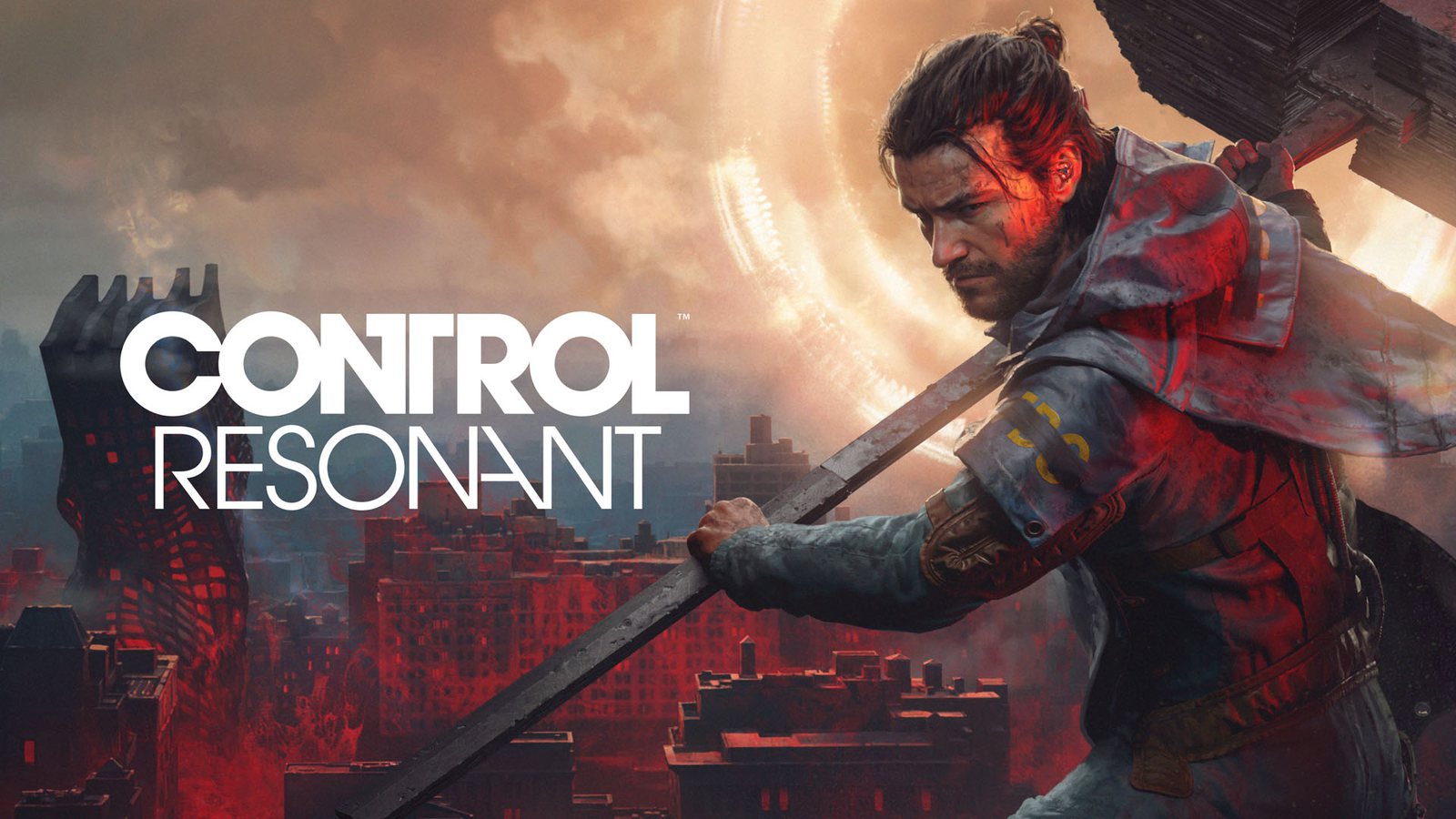
Optimizing Control Resonant Engine: Performance & Settings Guide
Struggling with performance? Discover how to optimize the Control Resonant engine, including best graphics settings and hardware requirements for peak FPS.
Published:
Table of Contents
The release of Control Resonant has set a new benchmark for visual fidelity, pushing Remedy’s proprietary tech to its absolute limits. If you are diving into this action-RPG, understanding how the Control Resonant engine handles your hardware is crucial to achieving that elusive balance between cinematic beauty and buttery-smooth gameplay.
This guide is designed to help you navigate the complex technical settings of the game, ensuring your rig is optimized for the chaotic streets of Manhattan. Whether you are dealing with frame drops or trying to enable path tracing without melting your GPU, here is everything you need to know to get the most out of your experience.
Understanding the Power Behind the Control Resonant Engine
At its core, the Control Resonant engine is an evolution of the Northlight technology used in Alan Wake 2. This latest iteration is heavily optimized for GPU-driven rendering, utilizing advanced techniques like mesh shaders and single-pixel occlusion culling. Unlike the indoor-focused environments of its predecessor, Resonant tasks the engine with rendering expansive, outdoor Manhattan landscapes, which places a massive burden on both your VRAM and CPU.
One of the most significant upgrades is the integration of RTX Mega Geometry. By compressing assets into efficient triangle clusters—or Cluster-Level Acceleration Structures (CLAS)—the engine reduces the overhead usually required for building ray tracing bounding volume hierarchies.
Technical Performance Breakdown
To provide context on how your system might perform, we have analyzed various configurations based on target resolution and hardware profiles.
Target Experience
Resolution
Graphics Preset
Upscaler
Recommended GPU
Minimum
1080p
Low
Quality
GTX 1070 / RX 5600 XT
Recommended
1440p
Medium
Balanced
RTX 3060 Ti / RX 6700 XT
Enthusiast
4K
High
Performance
RTX 3080 / RX 6800 XT
Essential Graphics Settings for Maximum FPS
Optimizing the Control Resonant engine often means making strategic trade-offs. While "Ultra" presets are tempting, they can exact a heavy performance penalty—up to 44% when ray tracing is fully engaged.
Performance First Strategy
If you are aiming for a consistent 60 FPS experience, prioritize lowering shadow quality and reflective surface detail before touching resolution or DLSS settings.
Ray Tracing and Path Tracing Adjustments
The game uses software denoising by default on lower presets to save resources, but switching to full path tracing is where the Control Resonant engine truly shines. However, this is extremely demanding. According to community reports, if you are not using an Nvidia card capable of frame generation, enabling path tracing will likely make the game unplayable at higher resolutions unless you rely heavily on upscaling technologies like DLSS or FSR.
VRAM Consumption Patterns
Managing VRAM is critical, especially when playing at higher resolutions. As the quality presets scale up, the engine demands more memory to handle textures and geometric detail.
Quality Preset
1080p VRAM Usage
4K VRAM Usage
Low (Handheld)
~6 GB
~8 GB
Ultra
~8 GB
~12 GB
Ultra + Ray Tracing
~14 GB
>14 GB
System Requirements and Hardware Bottlenecks
To run this game effectively, your PC needs to meet specific criteria. Remedy has been transparent about the requirements for the Control Resonant engine, noting that these are tested natively without frame generation enabled.
Minimum vs. Recommended Hardware
While 16GB of RAM is the standard requirement across all settings, the CPU requirements jump significantly between the minimum and recommended tiers. An Intel Core i7-10700 or AMD Ryzen 7 3700X is highly recommended for stable frame times in the more open, enemy-dense areas of Manhattan.
Storage Warning: The game requires 120 GB of free space. Installing this on an SSD is not optional; it is mandatory for the engine to load high-fidelity assets without stuttering.
Ray Tracing Specifics: If you want to enable "Ultra" ray tracing, your hardware needs to be top-tier. Even the RTX 5090 sees a performance shift when these settings are cranked to the maximum.
Solving Common Performance Issues
Many players have reported inconsistent frame pacing when entering new city zones. This is usually due to the Control Resonant engine dynamically streaming assets.
Troubleshooting Checklist
Update Drivers: Ensure you are running the latest GPU drivers for both Nvidia and AMD, as specific optimizations for Control Resonant are included in post-launch updates.
Upscaling Choice: If you have an Nvidia card, DLSS 4.5 is the preferred method for maintaining image clarity while boosting FPS. AMD users should utilize FSR 4.1.
Frame Generation: If you are struggling to hit 60 FPS, toggle frame generation. While some players dislike "fake frames," it provides the most significant performance uplift for high-resolution displays.
Community Insights: Playing on Steam Deck
While official support for handhelds exists, the Control Resonant engine is incredibly taxing. Community consensus suggests that the "Handheld" preset, which turns off several lighting effects, is the only way to maintain a playable frame rate on less powerful mobile hardware. Don't expect the full visual experience on the go; prioritize stability over fidelity.
Q: Does the Control Resonant engine require an SSD?
A: Yes. Due to the high volume of assets streamed in the open-world Manhattan environments, an SSD is required to prevent major loading stutters and texture pop-in.
Q: Can I run this game on older graphics cards?
A: You can, provided you use the lowest quality presets and rely on upscaling (Quality mode). However, the engine is designed for modern hardware; cards with less than 6GB of VRAM will likely struggle significantly.
Q: Is Ray Tracing worth the performance cost?
A: Ray tracing adds significant detail to shadows and reflections. If your GPU can handle it, it enhances the atmospheric horror of the game, but be prepared to use DLSS or FSR to maintain a playable frame rate.
Q: Why is my PC using so much VRAM at low settings?
A: The Control Resonant engine uses software denoising at lower settings, which can sometimes consume more memory than higher presets that leverage hardware-accelerated ray reconstruction.