Control Resonant Difficulty Settings: Complete Customization Guide
Master the game your way with our guide to Control Resonant difficulty settings. Learn how to tune mechanics and overcome challenges in Remedy's latest hit.
Published:
Table of Contents
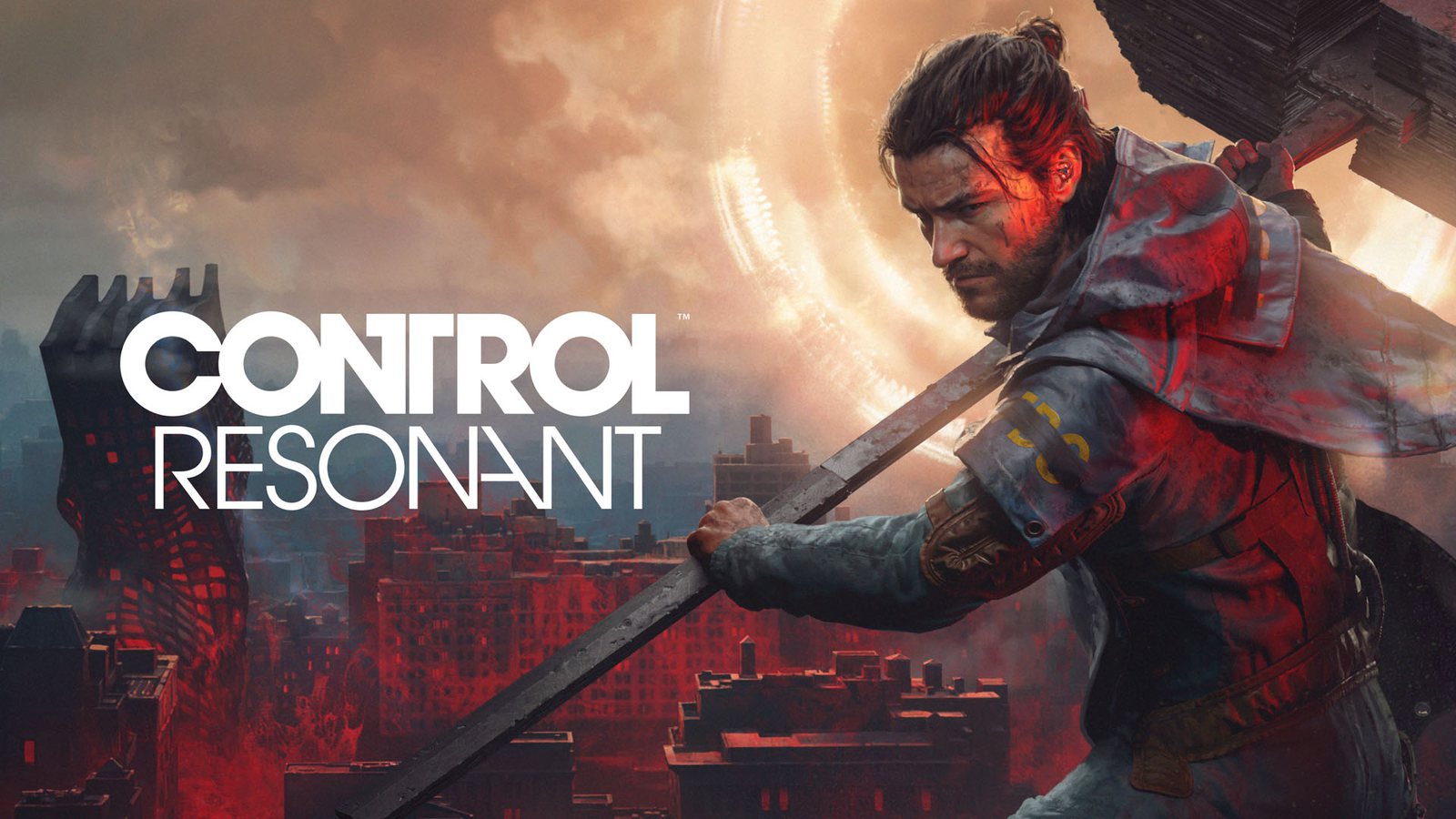
When you step into the corrupted streets of Manhattan in Control Resonant, you aren’t just fighting for survival—you are navigating a complex, paranatural puzzle. Developed by Remedy Entertainment, this title demands precision, and understanding the control resonant difficulty settings is the key to balancing frustration with fulfillment. Instead of traditional "Easy" or "Hard" modes, the developers have introduced a granular system that allows you to tailor the experience to your exact preferences.
Mastering these options is essential because the game’s combat is intentionally demanding, focusing on reading enemy attack patterns and managing staggers. Whether you are a veteran of Remedy's previous titles or a newcomer to this world, this guide will help you navigate the menus and define your own unique playthrough experience.
Why Customization Beats Traditional Difficulty
In most modern action RPGs, selecting a global difficulty setting often feels like a blunt instrument—either making enemies too tanky or making the player feel invincible. Control Resonant takes a different approach by treating game difficulty as a suite of individual mechanical toggles.
The control resonant difficulty settings allow you to adjust specific variables that might be impeding your progress without stripping away the core identity of the combat. If you find yourself hitting a wall during a specific boss encounter, you don't have to ruin the entire game’s balance; you simply tweak the friction points.
The Philosophy Behind the Assist Mode
Remedy Entertainment’s design philosophy, as shared by lead gameplay designer Sergey Mohov, is to ensure that your time is valuable. If a specific combat encounter becomes an obstacle to the narrative, the goal is to let you adjust the rules so you can keep moving forward rather than putting the controller down permanently.
Feature
Impact on Gameplay
Best Use Case
Enemy Aggression
Reduces attack frequency
When facing overwhelming crowds
Projectile Speed
Slows incoming fire
When learning dodge timing
Dodge Window
Widens the perfect dodge frame
If reflexes aren't your strength
Resource Speed
Faster power recovery
For ability-focused builds
Understanding the Assist Mode Toolkit
To get the most out of your experience, you need to understand exactly what each slider does. The control resonant difficulty settings are divided into accessibility, combat resource management, and damage scaling.
Combat Resource and Damage Tweak
If you are struggling with combat rhythm, start by adjusting your Incoming and Outgoing Damage. These sliders allow you to find the "sweet spot" where you feel powerful but still threatened.
Don't touch settings too early
The developers suggest you experience the standard combat rhythm for at least the first few hours. You can enable or disable these settings at any point in the menu, so don't rush to "cheese" the game before understanding its mechanics.
Advanced Melee Tuning
Since combat in Control Resonant is heavily focused on Dylan’s shapeshifting melee weapon, the "Aberrant," you may find that hitting enemies feels inconsistent. Adjusting the Enhanced Melee Magnetizing option can help if you are missing your mark frequently, making your positioning feel more forgiving during high-speed fights.
How to Scale Challenges (And Make the Game Harder)
One of the most exciting aspects of the control resonant difficulty settings is that they function in both directions. While many players use these tools to lower the bar, high-skill players can use them to create an "Extreme" mode.
If you find that the base game has become too easy as you unlock powerful abilities and talent points, you can artificially increase the tension. By increasing incoming damage, shrinking the perfect dodge window, and dialing up enemy aggression, you can transform your run into a hardcore challenge that requires perfect execution.
Creating Your Own Custom Difficulty
You can combine these settings to create unique presets. Here is how you might structure your own difficulty tier:
Preset Name
Incoming Damage
Dodge Window
Enemy Aggression
Story Mode
Low
Very Wide
Low
Balanced (Default)
Standard
Standard
Standard
Hardcore
High
Minimal
Very High
Boss Rush
Extreme
Tight
High
Strategic Progression: Why Difficulty Matters
As highlighted in community discussions and official Remedy Entertainment blog posts, the world of Control Resonant reacts to your progress. Every time you defeat a Resonant boss, the world becomes more dangerous.
According to player experience reports, many users make the mistake of rushing boss fights without exploring side content first. When you defeat a boss, combat encounters throughout Manhattan respawn with stronger enemies and higher-level threats. This is why having access to flexible difficulty settings is a lifesaver—if the game scales up and suddenly feels unfair, you can re-adjust your settings to match the new, higher challenge level.
Frequently Asked Questions
Do I need to restart the game to change the control resonant difficulty settings?
No. You can access the Assist Mode menu at any time from the settings screen. There is no need to start a new game or load a previous save to tweak these values.
Are trophies or achievements locked if I use assist mode?
According to official communications from the developers, no achievements or trophies are gated behind the use of Assist Mode. You are free to play on your own terms without penalty.
Can I use the assist mode to make the game harder?
Yes! Unlike many games that only offer "Easy" options, the sliders in Control Resonant work in both directions, allowing you to tighten dodge windows and increase enemy aggression for a more demanding experience.
What should I change first if I am dying too much?
Start by reducing the Enemy Projectile Speed or slightly increasing the Perfect Dodge Window. These two settings provide the most immediate relief without making the player feel like they are invincible.
By understanding how these tools work, you ensure that your time in the corrupted, shifting halls of Manhattan remains a rewarding experience tailored exactly to your playstyle. Whether you are here for the story or the high-octane action, remember that in this game, you are in control.