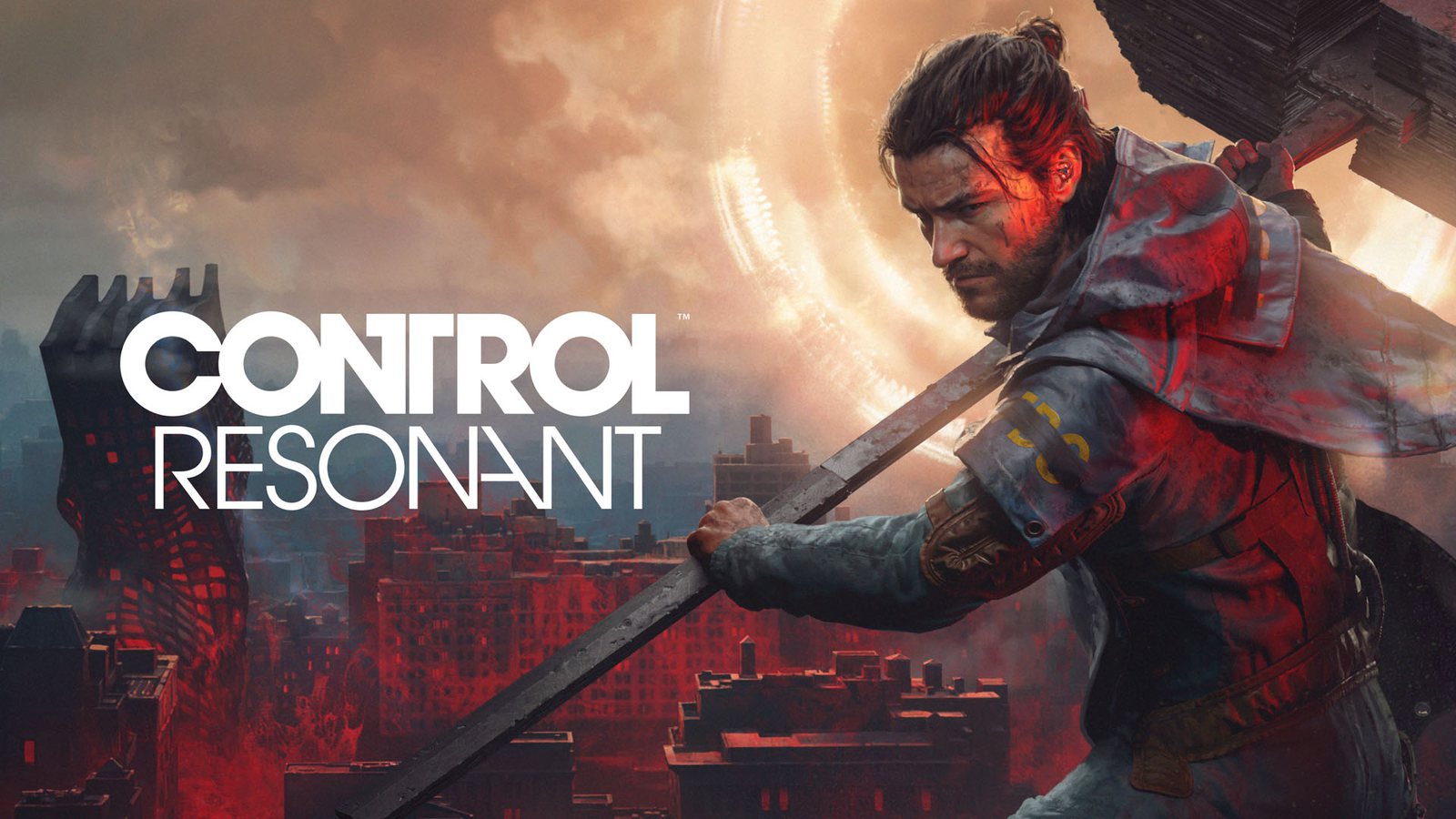
CONTROL Resonant Path Tracing Guide: Unleash Ultimate Graphics
Discover how CONTROL Resonant path tracing transforms your gameplay. Learn to optimize settings with DLSS 4.5 for the best visual experience on PC.
Published:
Table of Contents
The wait is finally over: Remedy Entertainment’s latest masterpiece has arrived, and it is pushing the boundaries of what we thought possible in real-time rendering. If you want to experience the most immersive version of this paranatural adventure, mastering control resonant path tracing settings is your first priority. This technology isn't just a marketing buzzword; it is a fundamental shift in how light, shadow, and reflection behave within the game’s world, bridging the gap between digital environments and cinematic reality.
Why does this matter for your playthrough? Because the game is designed to be a high-octane, fast-paced action experience where visual clarity and environmental storytelling are paramount. By leveraging control resonant path tracing, you aren't just making the game look better; you are ensuring that every movement, shadow, and reflective surface provides accurate visual feedback, which is crucial when navigating the chaos of a ravaged Manhattan.
Understanding the Power of Path Tracing in CONTROL Resonant
Unlike traditional ray tracing, which often focuses on specific elements like reflections or shadows, path tracing is a holistic approach to lighting. It simulates the physical behavior of light rays as they bounce, refract, and interact with every surface in the scene. In CONTROL Resonant, this means light behaves exactly as it would in reality—bouncing off wet streets, casting soft shadows around office clutter, and reacting to the erratic movements of the Hiss.
Key Visual Differences
To help you understand the impact, consider how traditional rendering stacks up against the path-traced approach implemented by Remedy:
Feature
Traditional Rendering
Path Tracing (Ultra)
Global Illumination
Baked/Approximate
Physically Accurate
Shadows
Static/Softened
Dynamic from all light sources
Reflections
Screen-space/SSR
Full environmental reflection
Performance Cost
Low
High (requires DLSS)
As noted by technical experts at Remedy, the goal was to create a believable baseline for a world filled with paranatural phenomena. When the environment looks and feels grounded, the "crazy" elements of the gameplay resonate with much more impact.
Optimizing Your Experience with DLSS 4.5
Path tracing is computationally expensive, but Remedy has integrated NVIDIA's DLSS 4.5 suite to ensure you maintain high frame rates without sacrificing fidelity. Specifically, control resonant path tracing works in tandem with Ray Reconstruction, a neural rendering technique that replaces hand-tuned denoisers.
Enable Ray Reconstruction
Always ensure your Ray Tracing preset is set to "Ultra" to automatically trigger DLSS Ray Reconstruction. This is essential for preventing visual noise in high-fidelity scenes where traditional sampling might struggle.
Performance Scaling Expectations
Using a high-end setup, such as the RTX 50 Series, you can achieve remarkable performance. Based on recent benchmarks, here is what you can expect when pushing the engine:
Resolution
GPU
Performance (Approx. FPS)
1080p
RTX 5090
~480 FPS
1440p
RTX 5090
~380 FPS
4K
RTX 5090
~320 FPS
4K
RTX 5080
~220 FPS
Note: These figures assume the use of 6X Multi Frame Generation and DLSS 4.5 enabled.
Practical Tips for Achieving Consistent Frame Rates
If you are struggling to maintain a smooth experience, the culprit is often the balance between raw rendering and AI-assisted reconstruction. Because CONTROL Resonant is a fast-paced game, input latency is just as important as visual fidelity.
Leverage Dynamic Multi Frame Generation: If your frame rates dip, use the "X" factor adjustment to hit a target frame rate rather than a fixed multiplier.
Update Your Drivers: Always download the latest GeForce Game Ready Driver to ensure compatibility with the latest engine optimizations.
Monitor Latency: Even with high frame rates, ensure that your Reflex settings are enabled to keep button responses snappy during intense combat sequences.
According to community reports, players with "beefy rigs" have found that the transition from standard ray tracing to the new path-traced implementation is most noticeable in the FBC offices, where the interaction between artificial light and reflective floor surfaces creates a stunning sense of depth.
Frequently Asked Questions (FAQ)
Q: Do I need the latest hardware to use control resonant path tracing?
A: While it is optimized for the latest RTX 50 Series GPUs, the game's use of DLSS 4.5 is designed to scale across the GeForce RTX ecosystem. Check the official Steam store page for minimum and recommended hardware specifications.
Q: Does path tracing affect gameplay, or is it just cosmetic?
A: It is both. While it looks spectacular, the dynamic shadows and bounced lighting help you track enemies more effectively in complex environments, providing a slight tactical advantage.
Q: Can I play this game without an RTX GPU?
A: If you don't have a capable local PC, you can play via the cloud using a GeForce NOW Ultimate membership, which streams the full path-traced experience to your device.
Q: What is the main difference between the original Control and Resonant?
A: CONTROL Resonant expands the world beyond the Oldest House into a ravaged Manhattan and introduces full path-traced direct and indirect illumination, whereas the original game utilized more contained, traditional ray-tracing techniques.
Mastering these settings will ensure you see Remedy’s vision exactly as intended. Whether you are exploring the streets of Manhattan or returning to the familiar halls of the FBC, control resonant path tracing is the key to the definitive experience.