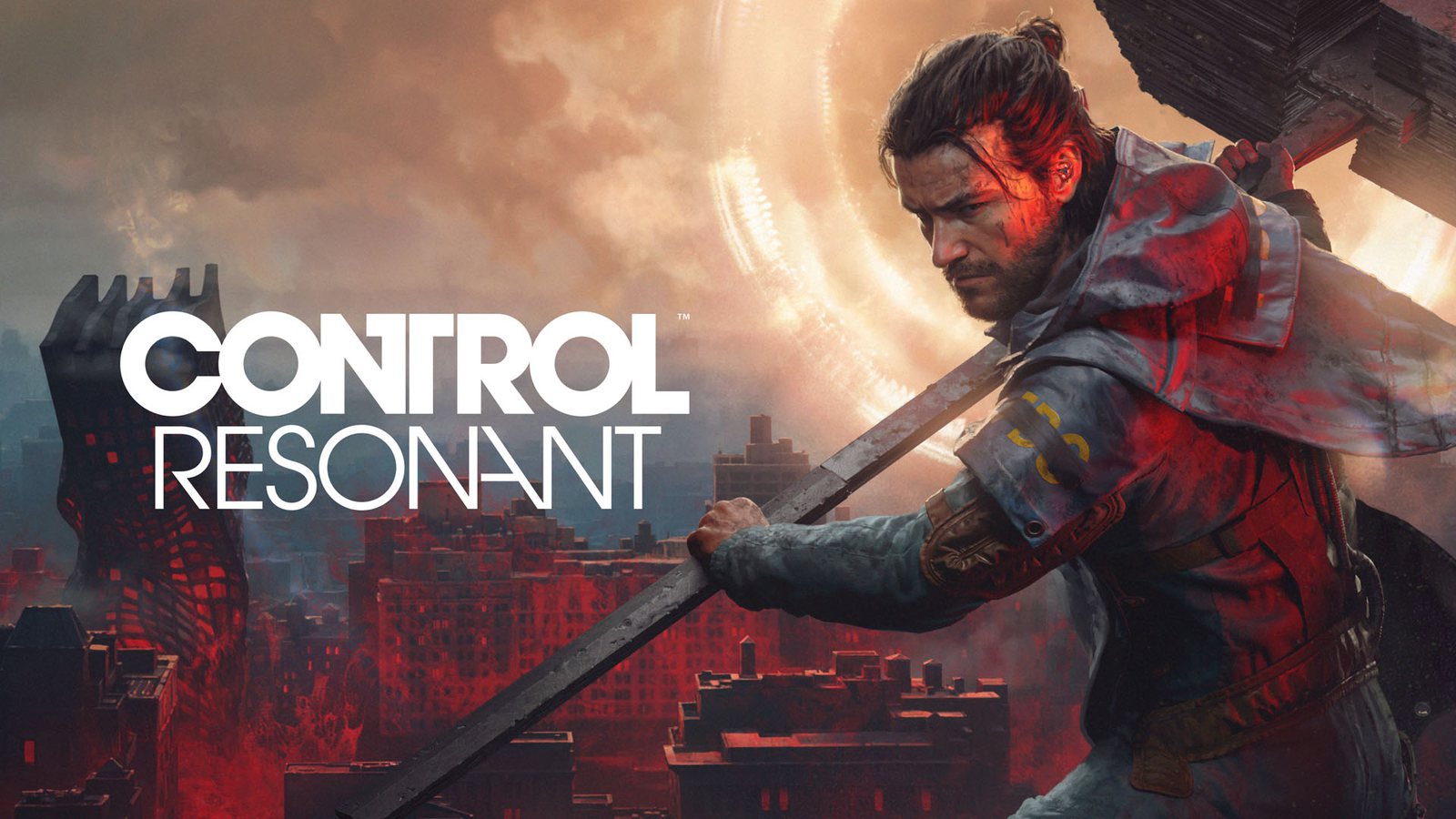
How to Play CONTROL Resonant on GeForce NOW: Stream Any Gaming PC
Discover how to play CONTROL Resonant on GeForce NOW. Experience Remedy’s latest action masterpiece with path tracing and DLSS 4.5 via cloud streaming today.
Published:
Table of Contents
The wait for Remedy Entertainment’s latest supernatural thriller is finally over, but you don't need a top-tier liquid-cooled rig to experience the gravity-defying chaos of Manhattan. By learning how to play Control Resonant GeForce NOW, you can dive into this visually arresting action RPG even if you are away from your primary gaming desktop.
This guide explores the essential benefits of cloud gaming for high-fidelity titles, helping you bridge the gap between demanding hardware requirements and instant accessibility. Whether you are battling the Hiss or navigating the paranatural anomalies of the city, cloud streaming ensures you never miss a frame of the action.
Why Play Control Resonant on GeForce NOW?
For many players, the primary hurdle to enjoying cutting-edge releases like Control Resonant is the massive hardware investment required to run path tracing at high frame rates. Utilizing a cloud-based service changes the entire dynamic of the PC gaming experience.
The Benefits of Cloud Streaming
When you choose to play Control Resonant GeForce NOW, you are offloading the heavy computational lifting to NVIDIA’s powerful servers. This means your local machine's specifications become secondary.
Benefit
Impact on Gaming Experience
No Downloads
Jump straight into the action without waiting for massive file installs.
Cross-Device Play
Enjoy the game on a laptop, tablet, or even a streaming-compatible TV.
Hardware Agnostic
Bypass the need for a high-end GPU to enjoy Ultra settings.
Instant Updates
Servers are always pre-patched to the latest Game Ready Driver versions.
Why does this matter? Because Control Resonant is built on the advanced Northlight Engine, which demands significant resources to render its complex dynamic shadows and realistic environmental reflections. By using the cloud, you essentially "rent" a high-end RTX 50-series powered workstation that handles the rendering while you focus on combat.
Understanding the Technology: Path Tracing and DLSS 4.5
Remedy Entertainment has pushed the boundaries of visual fidelity in this sequel. The implementation of path tracing creates a level of immersion that feels remarkably grounded. However, this technology comes with a performance cost that can strain even the most capable home hardware.
Key Visual Technologies in the Game
The developers have leveraged modern hardware to achieve a "believable baseline" for the world before adding the crazy, supernatural elements. Here is how the technology works under the hood:
Path Tracing: Unlike traditional ray tracing, path-traced direct and indirect illumination ensures that all lighting—including bounce lighting from moving objects—is physically accurate.
DLSS 4.5 Ray Reconstruction: This AI-powered technique replaces traditional hand-tuned denoisers, filling in gaps where rays were not sampled to provide sharper, more stable images.
Dynamic Multi Frame Generation: This allows for up to a 6X frame rate multiplier, dynamically adjusting to keep your gameplay fluid during intense firefights.
Optimizing Your Stream
To get the best experience, ensure your internet connection meets the recommended bandwidth requirements for 4K streaming. A stable, wired Ethernet connection is significantly more reliable than Wi-Fi for competitive, fast-paced action games.
Getting Started: How to Access the Game
If you have already purchased your copy on Steam, connecting your account to the streaming platform is a straightforward process. You don't need to purchase the game twice; your existing Steam library acts as the key.
Quick Setup Checklist
Verify Your Membership: Ensure you have an Ultimate GeForce NOW membership to access the RTX-powered cloud rigs.
Sync Your Libraries: Log into the official GeForce NOW website and link your Steam account.
Launch the Game: Once synced, find Control Resonant in the library interface and click play.
Configure Settings: Even on the cloud, you can tweak your in-game visual settings to prioritize frame rate or graphical fidelity.
Combat Mechanics and Playing Aggressively
Control Resonant is a fast-paced action game. The creative director has emphasized that players should lean into an aggressive playstyle, blending melee attacks with supernatural abilities.
Mastering Dylan Faden’s Abilities
Dylan Faden is a supernaturally gifted hero. Using the "Shift" ability, you can move through gravity anomalies, which is essential for surviving the theater missions and other high-threat zones.
Combat Ability
Best Use Case
Aberrant Weapon Forms
Switch forms based on the range and resistance of enemies.
Shift
Seamlessly dodge gravitational hazards and reposition.
Melee Combat
Use to finish off weakened enemies and maintain momentum.
According to community reports, players who focus on balancing their ability cooldowns with aggressive weapon fire find the game much more rewarding. Do not be afraid to experiment with different weapon mods as you uncover them throughout Manhattan.
Troubleshooting Common Issues
Even with the best infrastructure, technical hiccups can occur. Here is how to handle the most common barriers to a smooth gaming session.
Quick Fixes for Streaming
High Latency/Input Lag: If your button presses feel delayed, ensure you are on the closest server region. You can check this in the client settings under "Server Location."
Visual Artifacts: This often points to a jittery network connection. Use a ping-monitoring tool to see if you have high packet loss.
Login Loops: If you struggle to sign into Steam via the streaming interface, try clearing your browser cache and relinking the account.
Check Your Data Cap
High-fidelity cloud streaming consumes a significant amount of data. If you have a monthly data cap with your ISP, ensure you monitor your usage, especially when streaming at high bitrates or 4K resolution.
Frequently Asked Questions (FAQ)
Q: Do I need to buy a separate version of the game to play on GeForce NOW?
A: No, you do not. You simply need to own the game on Steam, and you can play it through the service. You can learn more about linking your account on the official Steam store page.
Q: Is the visual quality identical to playing on a local RTX 50-series GPU?
A: When playing Control Resonant GeForce NOW with an Ultimate membership, the experience is nearly indistinguishable from high-end local hardware, as you are accessing cloud-based RTX technology.
Q: Can I use my saved game files from my PC on the cloud?
A: Yes, the game supports cloud saves. If you have been playing on a local machine, your progress will sync automatically when you launch the game via the streaming platform.
Q: What is the benefit of the GeForce RTX 50-series bundle?
A: The bundle often includes the game and specific perks when purchasing qualifying hardware. If you are in the market for a new PC, this is a great way to secure your copy while upgrading your system for an even better experience.